Building Ninja Dash: The Problem With Endless Runners
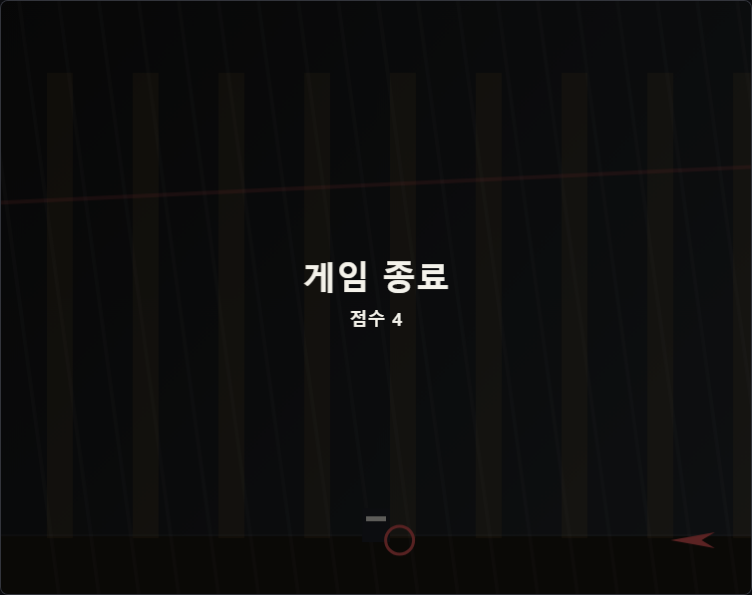
Endless runners look deceptively straightforward on paper: character moves right, obstacles come from the right, jump to avoid them, see how long you last. I built my first version of Ninja Dash in an afternoon. It ran. It was also completely joyless, and I spent the next two weeks figuring out why — and what I needed to fix before it felt like a real game rather than a test harness.
The Obstacle Generation Trap
My first hazard generator placed obstacles randomly: random position on the right edge, random height, random gap between them. Random sounds fair, but in practice it produced runs that were either trivially easy — three low obstacles in a row with enormous gaps — or instantly lethal: a tall obstacle immediately followed by a low one with no jump window. There was no feel of progression because the difficulty had no memory of what came before. I switched to a hand-authored pattern library: about twelve distinct hazard arrangements that ranged from easy to hard. The generator would pick from this library, biasing toward harder patterns as the elapsed time increased. Suddenly runs felt like they had a shape. Easy stretches let you recover; hard sequences created genuine climax moments. The randomness became a selection from a curated set rather than noise.
Getting the Jump to Feel Right
Jump feel in a runner is everything. Get it wrong and the whole game feels broken regardless of how good the obstacle design is. My first implementation used a fixed upward velocity applied once on keypress, then gravity on each frame. The result was a floaty, slow arc that felt disconnected from the snappy ninja aesthetic I was going for. I read a lot about game-feel jump physics and landed on two changes: higher initial jump velocity (faster ascent) combined with increased gravity on the descent. This creates an asymmetric arc — quick up, harder fall — that feels more decisive and satisfying. I also added a tiny coyote-time window of 80 milliseconds: if the player presses jump slightly after walking off a platform edge, it still registers. That 80-millisecond grace period eliminated the most frustrating "but I pressed jump!" deaths without making the game easier in any meaningful way.
Why I Kept the Ninja Visually Simple
I was tempted to add animation frames — a run cycle, a jump pose, a landing squash. But the game runs at variable speeds that increase over time, and animating a sprite convincingly at multiple scroll speeds while keeping the canvas lightweight is genuinely hard to do well. I made a deliberate choice to keep the ninja as a stylized rectangle with a scarf effect created from a short bezier curve trail. The scarf streams behind the character and bends based on current speed, which gives a sense of motion and momentum without frame-by-frame animation. It's a cheap visual trick but it reads well at speed and doesn't look like a half-finished sprite. Sometimes the correct answer to "how do I animate this?" is "don't — suggest it instead."
Browse All Games