Building Sudoku in the Browser: Generation, Validation, and Constraints
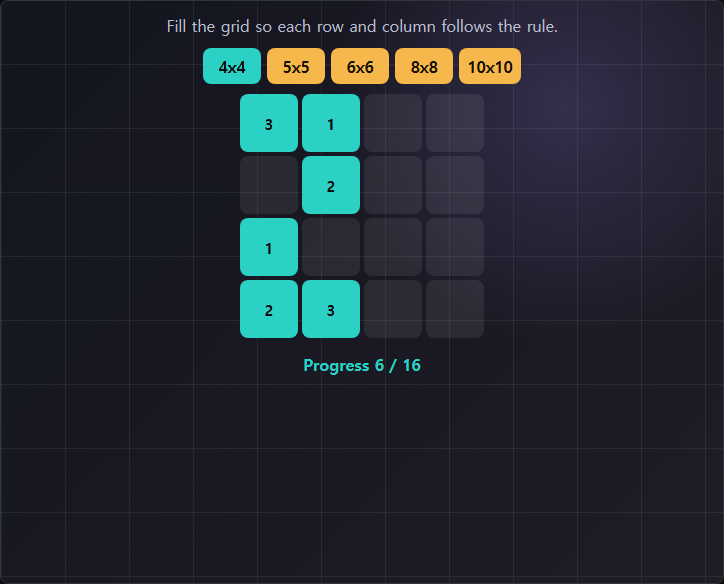
Sudoku is one of those games that looks simple to implement until you start implementing it. The rules are compact — fill a 9x9 grid so that every row, column, and 3x3 box contains the numbers 1 through 9 exactly once. But implementing a generator that produces valid, playable puzzles from scratch, in the browser, without any external library, is a different challenge entirely.
Why you generate backwards
The naive approach to Sudoku generation is to start with an empty grid and try to fill it in by placing valid numbers one cell at a time. This works but it is slow — backtracking algorithms can explore thousands of dead ends before finding a valid complete grid. The more efficient approach is to start with a completed, valid solution and then remove numbers strategically to create the puzzle.
This means the generation process has two distinct phases: first, produce a valid completed grid; second, remove enough cells to create a challenge while ensuring the puzzle still has exactly one solution. Both phases require a solver, because you need to verify after each removal that the remaining puzzle is still uniquely solvable.
Generating the completed grid
A valid Sudoku solution is a Latin square with the additional constraint that each 3x3 box is also complete. The fastest way to generate one is to start with a known valid arrangement — a diagonal pattern of 1-9 that satisfies the box constraint by construction — and then use a shuffle and backtrack pass to fill the remaining rows. Because the diagonal boxes are already filled correctly, the constraint search space for each row is significantly smaller than a blank-start approach. The resulting grid is generated in under one millisecond in practice.
Removing cells: the difficulty question
The harder problem is cell removal. Removing cells randomly does not produce a good puzzle — it produces puzzles that range from trivially solvable to requiring advanced techniques like X-wings or forcing chains that casual players cannot apply. The goal is to remove cells in a way that keeps the puzzle solvable using only basic row-column-box elimination and naked singles.
The approach used in this implementation is symmetric removal with a difficulty ceiling. Cells are removed in symmetric pairs (mirrored across the center), which produces visually balanced puzzles and also constrains the search space. After each removal, a constraint-propagation solver checks whether the remaining puzzle is uniquely solvable using only the techniques appropriate to the target difficulty. If it is not, the removal is undone and a different pair is attempted. This produces puzzles that feel consistent in difficulty without requiring a human expert to verify each one.
The 200-line constraint
The original build post mentioned a self-imposed 200-line limit. The constraint forced specific choices: no pencil marks, no undo history, no timer, no difficulty selection. These are all features a more complete Sudoku implementation would have. But stripping them out produced a version where the only feedback is the grid itself and whether you have placed a valid number. That minimal feedback loop turned out to suit the browser format well — the game loads instantly and is immediately understandable, with no menu or setup required before the first number can be placed.
Play Sudoku